
Morning, Midday & Evening Gates
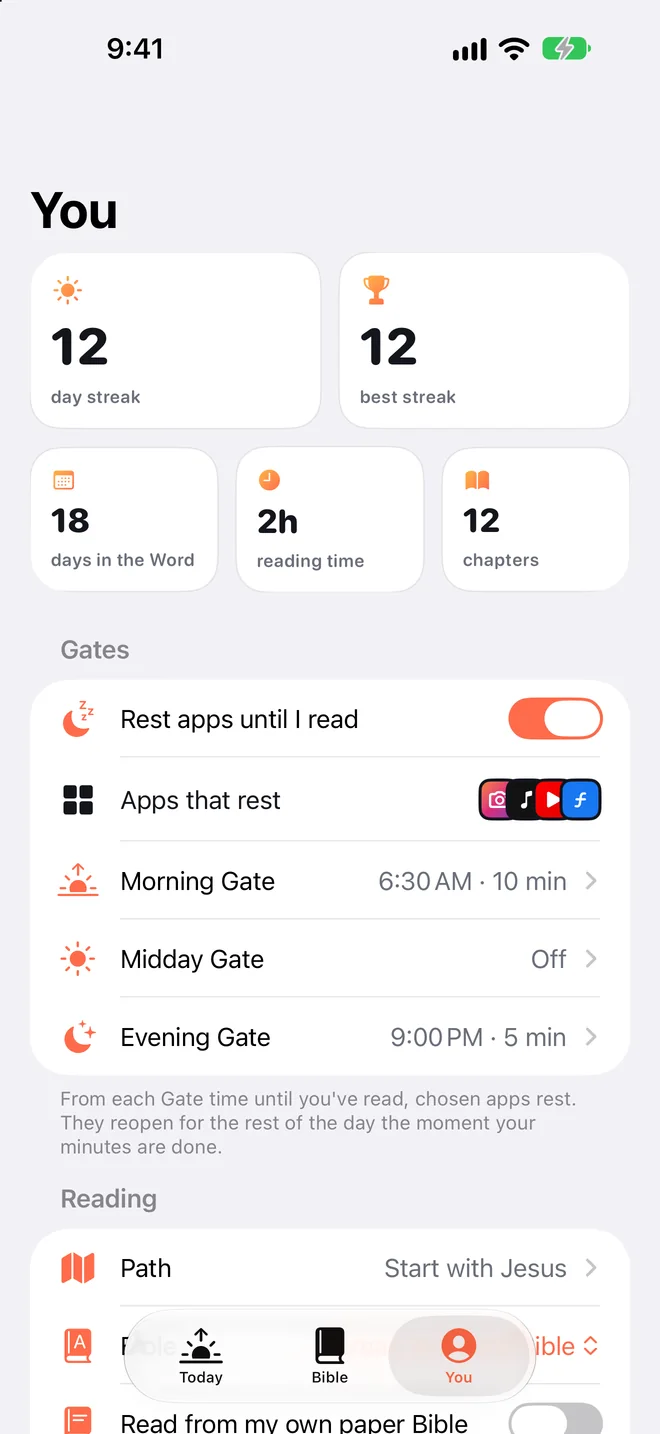
Guard the moments you scroll most. Each Gate has its own start time and its own minutes, and every Gate releases at midnight.
- 🌅 6:30 AM · 10 min
- 🥪 12:30 PM · 5 min
- 🌙 9:00 PM · 5 min
Bible App Blocker for iPhone
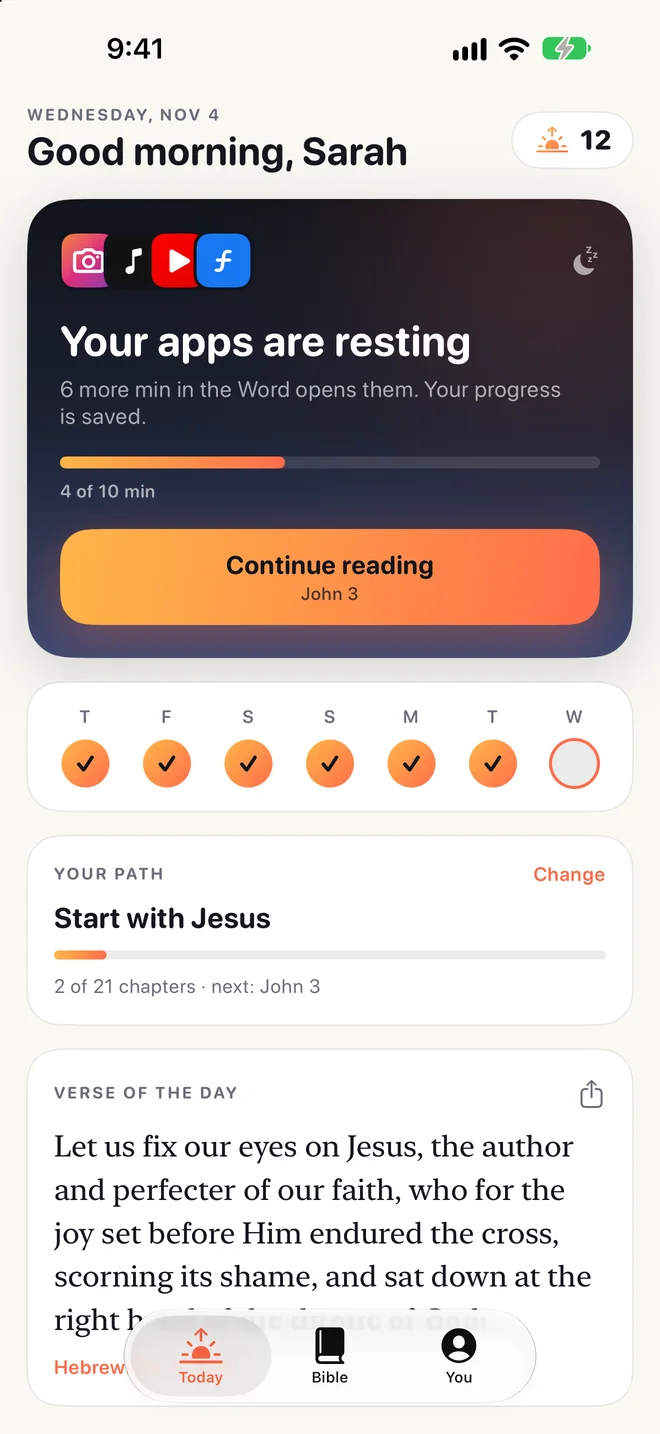
FirstThing rests Instagram, TikTok and the apps that steal your mornings — until you've spent a few minutes in Scripture. Then they open for the rest of the day.
Sound familiar?
“I grab my phone first thing in the morning — and the Bible waits.”
“I tell myself I'll read later. Later never comes.”
“I start strong, then fall off after a week.”
It isn't a willpower problem. It's a default problem. FirstThing changes the default.
The honest math
Move the slider to your daily screen time (Settings › Screen Time shows your average).
That time could read the whole Bible 24× a year.
You don't have to quit your phone. You just have to put God first.
How it works
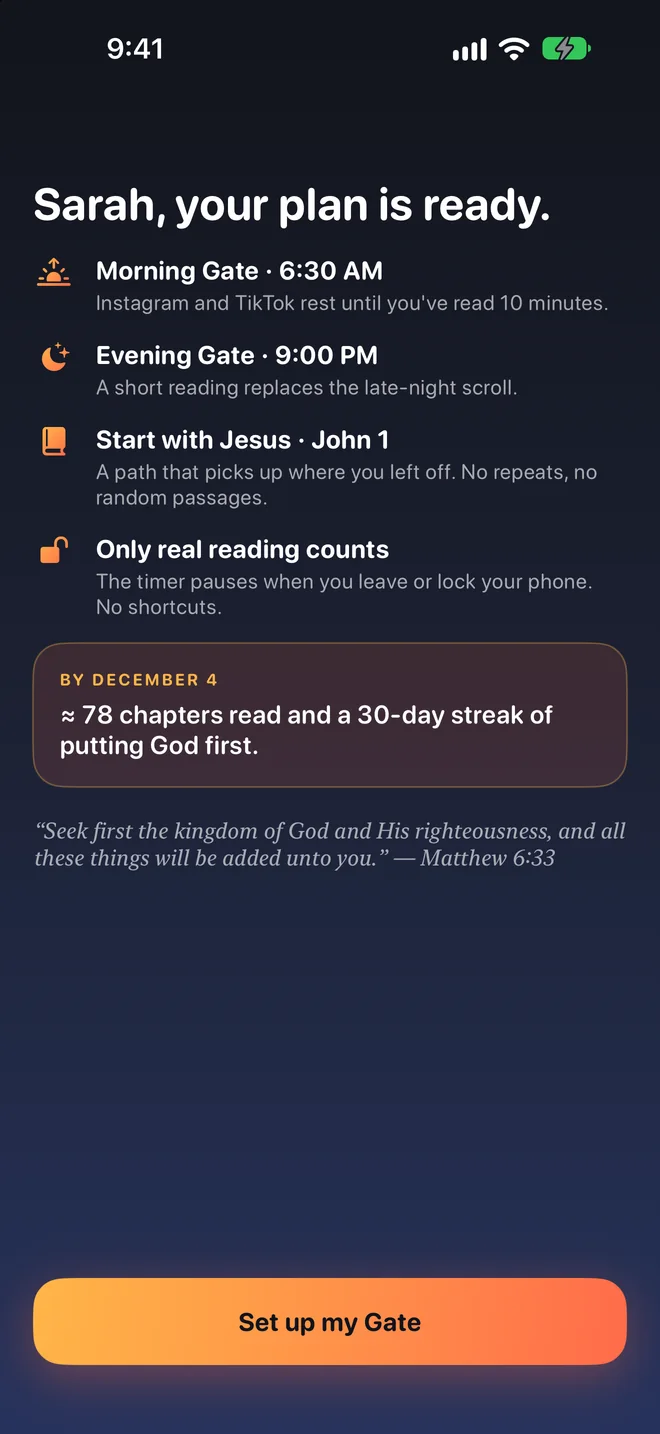
Pick the time your day starts — not 3 AM, your morning — and the apps that pull you in.
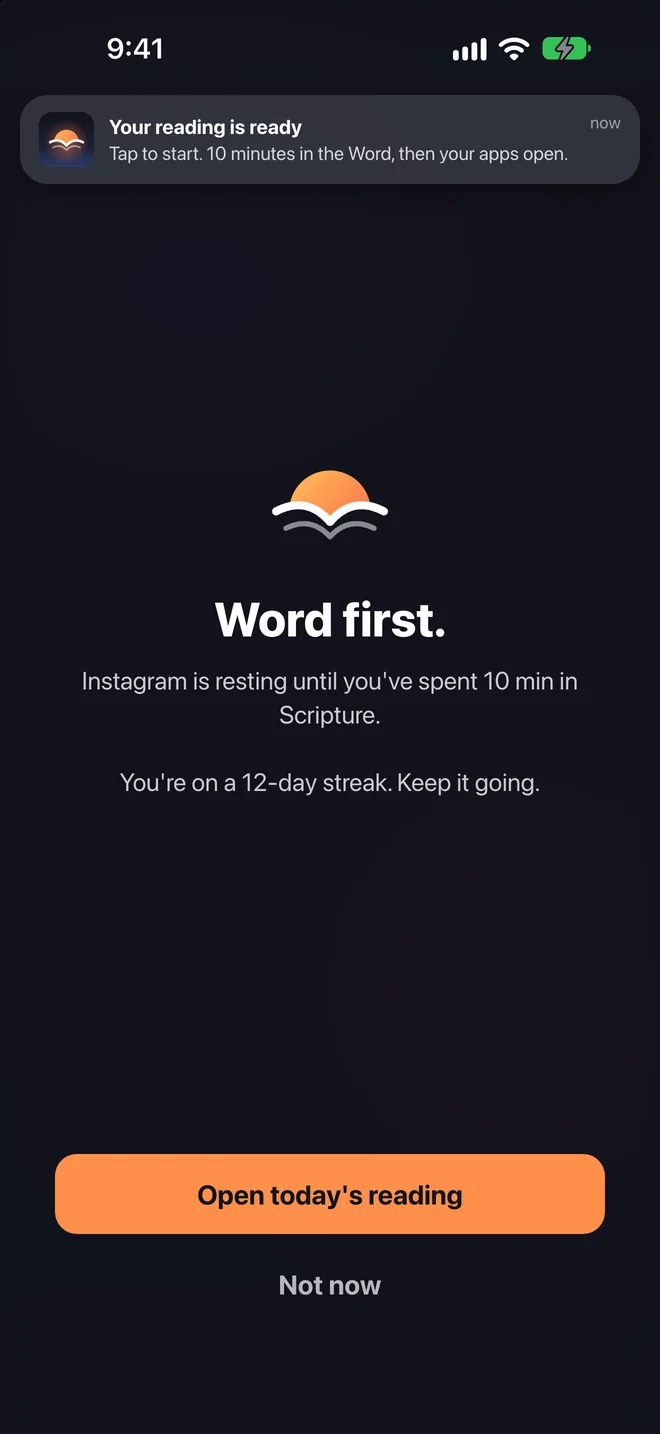
Your apps show a quiet “Word first.” screen. One tap takes you straight to today's reading.
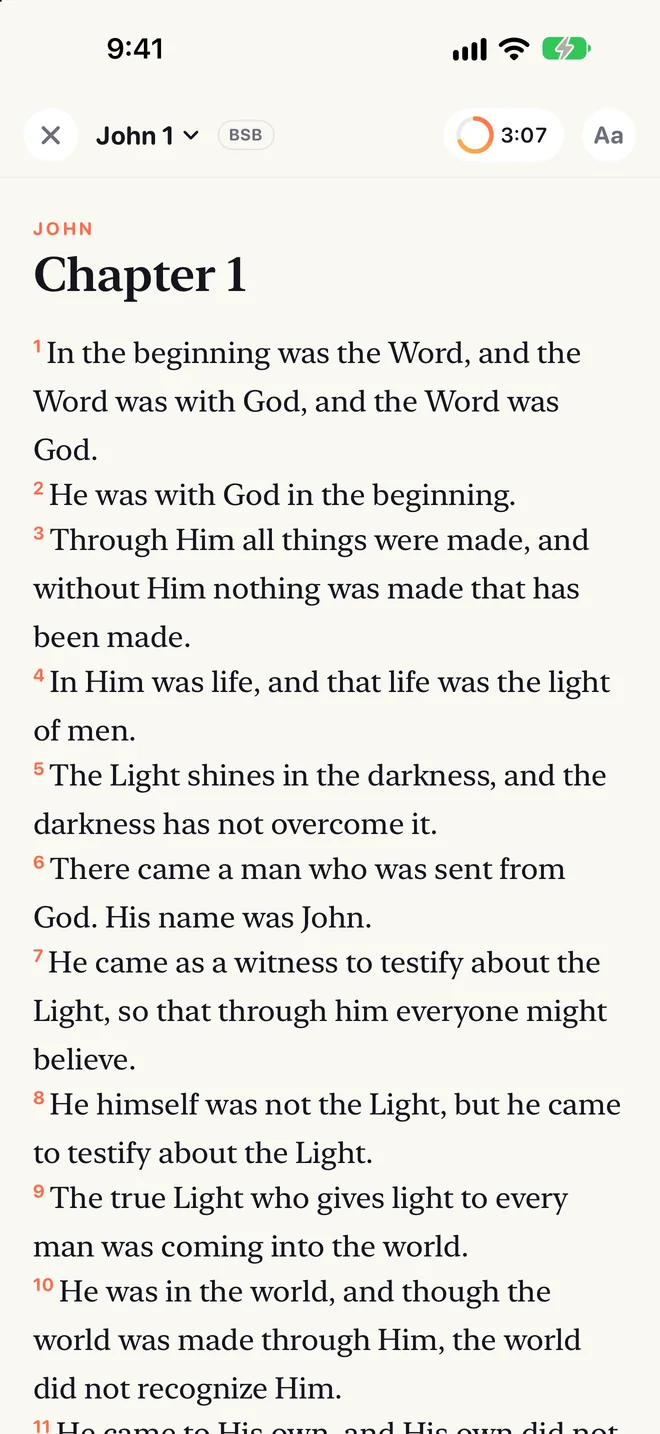
The timer pauses if you leave the app, lock your phone or stop scrolling. Your progress is saved.
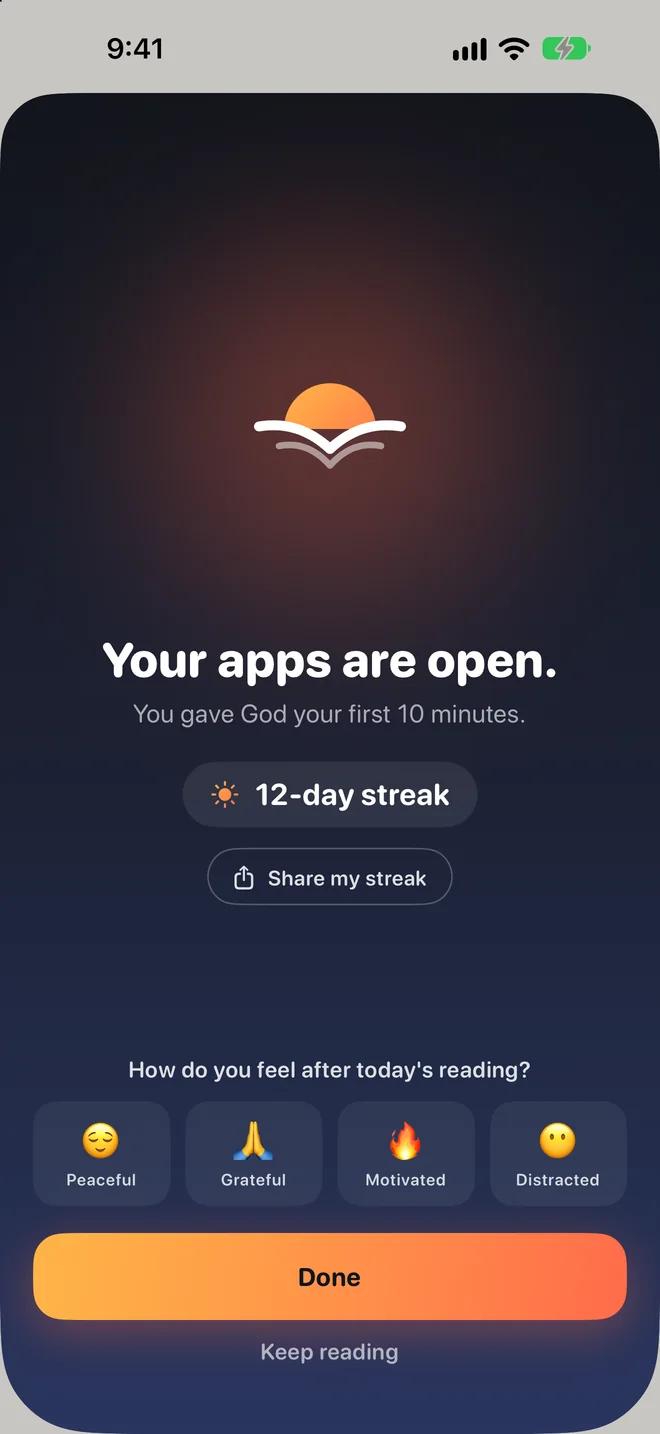
Finish your minutes and everything unlocks instantly for the rest of the day.
Built for the way you actually scroll
Guard the moments you scroll most. Each Gate has its own start time and its own minutes, and every Gate releases at midnight.
Leave the app or lock your phone and the clock stops. Idle for a while? “Still reading?”
Start with John, the Four Gospels, Psalms & Proverbs, the New Testament or the whole Bible in order. Always picks up where you left off.
Love your NIV, ESV or NLT? Read it on paper while FirstThing keeps time with the screen awake.
Need maps or a ride? Hold for 3 seconds to open apps for 15 minutes — once a day.
Highlight in four colors, search the whole Bible offline, and keep your streak and verse of the day on your Lock Screen.
Apple's Screen Time keeps app usage on your iPhone — we can't see what you do in apps. Your streaks, highlights and history never leave your phone. No analytics, no ads, no account required.
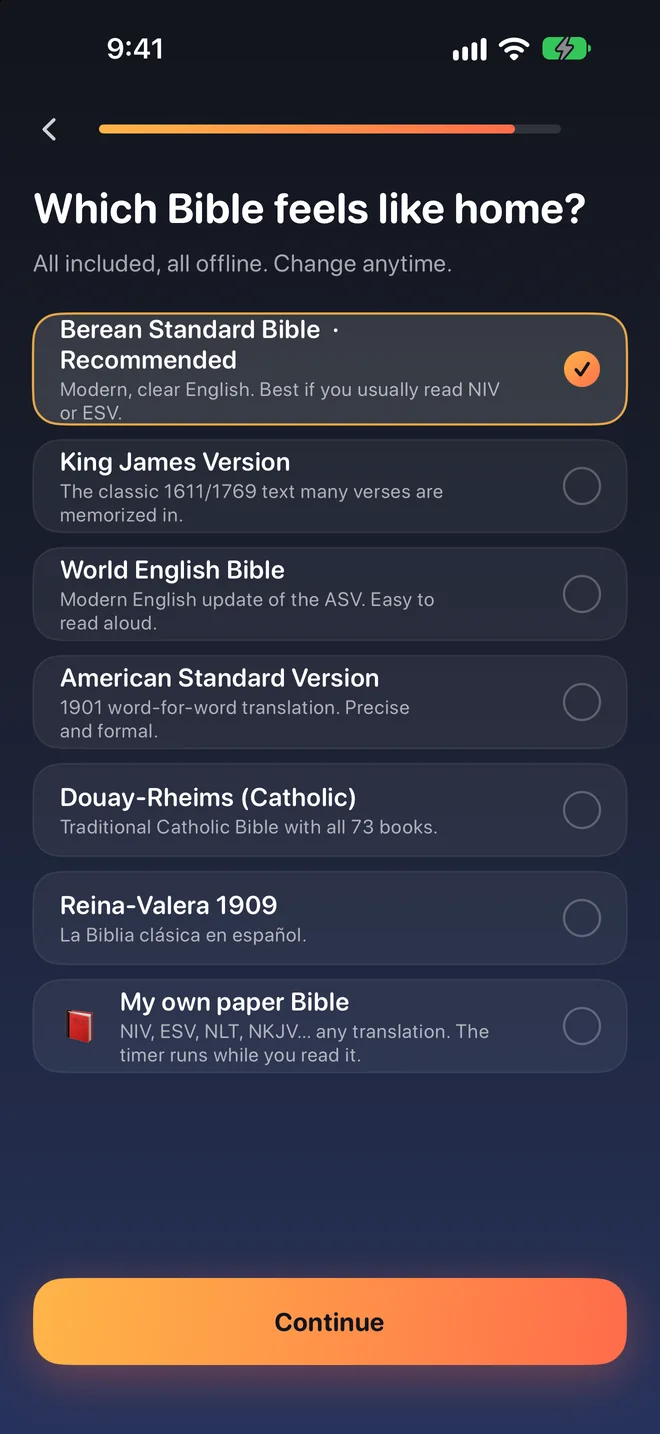
Just Scripture
No AI devotionals. No commentary. No spin. Just the Word, beautifully set in a serif made for long reading.
Honest by design
Pricing
Try every feature free for 3 days. Keep going for less than the cost of one coffee a month.
Just $0.11 a day · 3 days free
Billed through your Apple ID. Renews yearly unless cancelled at least 24 hours before the end of the period.
FAQ
FirstThing uses Apple's Screen Time frameworks (Family Controls). You pick the apps; at your Gate time they show a “Word first.” screen until you've read for the minutes you chose. Then they unlock for the rest of the day.
Those translations are copyrighted and can't be included offline. FirstThing includes six public-domain Bibles — the Berean Standard Bible reads much like NIV/ESV. Prefer your own? Turn on “My own paper Bible” and read any translation on paper while FirstThing keeps time.
No. The timer counts only while FirstThing is open and you're actively reading. It pauses if you leave, lock your phone, or don't scroll for a few minutes.
Hold the Emergency pass for 3 seconds to open your apps for 15 minutes, once a day. Phone, Messages and Maps can stay open all the time — you choose what rests.
Open FirstThing › You and turn off “Rest apps until I read” — every app opens immediately. You can remove Screen Time access in Settings › Screen Time, and delete the app like any other.
Nothing that leaves your phone. Apple gives FirstThing private tokens, so we can't see which apps you use or what you do in them. Your streaks, history and highlights are stored only on your iPhone.
Your membership is a standard App Store subscription. Cancel anytime in Settings › [your name] › Subscriptions. Refunds are handled by Apple at reportaproblem.apple.com.
Not yet. FirstThing is built on Apple's Screen Time technology and requires an iPhone with iOS 17 or later.

“But seek first the kingdom of God and His righteousness, and all these things will be added unto you.”Matthew 6:33 (BSB)
Launching soon. Email us to get notified →